Lumail vs Intercom: Which Email Platform Fits How You Work?
Intercom is a helpdesk that bills seats plus a fee per outbound email. Lumail is volume-priced email for campaigns, workflows, and AI agents. Compare costs.
In this guide
Intercom is an AI-first customer service platform, a helpdesk with Messenger and the Fin AI agent, where outbound email is a usage-billed channel on top of per-seat plans; Lumail is an email platform for campaigns, workflows, and transactional email, priced by emails sent and operable by AI agents through 89 MCP tools.
They overlap only on outbound email, and they approach it from opposite ends. Intercom is built to support customers and adds email as one way to reach them. Lumail is built to send email and does not try to be a helpdesk. Intercom facts in this comparison come from its official pricing page as of August 2026; verify current limits before purchasing, because plans change. For the compact version, see the side-by-side comparison table.
Lumail vs Intercom at a glance
| Decision | Lumail | Intercom |
|---|---|---|
| Core focus | Campaigns, workflows, transactional email, and AI-agent operations | AI helpdesk with Messenger, Fin, and outbound messaging |
| Pricing basis | Email volume; unlimited subscribers on every plan | Per seat, plus a fee per bulk email and per Fin outcome |
| Free plan | 3,000 emails per month, no credit card | 14-day trial; no ongoing free plan |
| Paid entry | Premium: $20/month with 40,000 emails included | Essential: $29 per seat/month, billed annually |
| AI and developer access | 89 MCP tools, ChatGPT app, CLI, TypeScript SDK, REST API | Fin AI agent, 13-tool MCP server for support data, REST API |
| Automation | Graph workflows on every plan | Inbox workflows on Advanced; email journeys need a $99/month add-on |
| Transactional email | API or SMTP in the same organization as campaigns | Event-triggered messages via add-on; no public SMTP |
| Best fit | Teams running newsletters and product email through agents and code | Support teams messaging existing users in-app and by email |
Lumail's current plans are on the Lumail pricing page.
Choose Lumail if AI agents should operate your email
Intercom's AI is aimed at support. Fin answers customer questions, Copilot assists human agents in the inbox, and Intercom's MCP server exposes 13 tools for contacts, conversations, companies, and Help Center articles. Those tools are useful for looking things up; none of them create or send email campaigns.
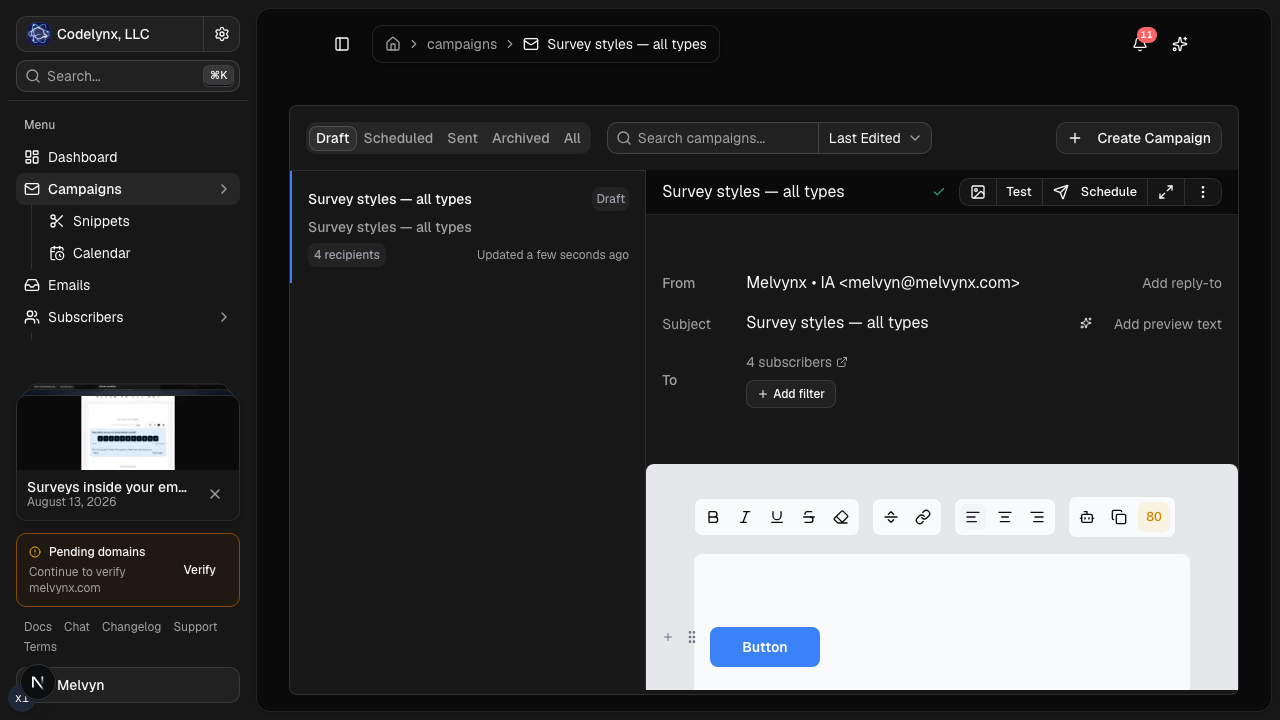
Lumail's 89 organization-scoped MCP tools operate the email program itself: campaigns, subscribers, tags, segments, workflows, templates, analytics, and transactional sending. The same operations run in ChatGPT, Claude, Claude Code, and Cursor, and through a CLI, a TypeScript SDK, and a REST API.
In practice that means you can ask an assistant to:
- draft the monthly product update and send a test to the team;
- segment subscribers by tag or engagement before a targeted announcement;
- build an onboarding workflow that branches on whether a user activated;
- inspect a rendered email and flag broken links before scheduling;
- summarize last month's campaign results without exporting a CSV.
Consequential actions stay behind human approval, and drafts finish in the visual editor.
The second difference is how much you need to set up before sending. Intercom's outbound email requires Messenger installed on a public site and a review of your email sending. Lumail asks you to authenticate your domain, and then you send.
Choose Intercom if support is the product
Intercom is excellent at what it is built for. Fin, Messenger, a shared inbox, ticketing, product tours, and checklists all work from the same customer record. Support email, live chat, WhatsApp, SMS, and phone can land in one inbox, and inbound support email is included on every plan. None of that exists in Lumail.
Choose Intercom if:
- the main thing you are buying is a helpdesk, shared inbox, and AI support agent;
- you want in-app messages, product tours, and checklists tied to live user and company data;
- support conversations across email, chat, WhatsApp, SMS, and phone belong in one place.
If you already run Intercom for support, sending the occasional announcement from it can be perfectly reasonable. The case for Lumail grows with email volume and with how much of your email program is newsletters and sequences rather than support.
Compare the pricing models, not the starting prices
Intercom bills in layers. Seats come first: Essential is $29, Advanced $85, and Expert $132 per seat per month billed annually, or $39, $99, and $139 billed monthly, with at least one seat. Fin costs $0.99 per resolved outcome. Bulk outbound email is billed per email on a sliding scale that starts at $0.045 per email and falls to $0.00025 at high volume. Email journeys and event-based outbound need the Proactive Support Plus add-on at $99/month.
Lumail has one layer, email volume, with unlimited subscribers on every plan:
- Free: 3,000 emails per month, no credit card;
- Premium: $20/month with 40,000 emails included, then $0.60 per 1,000;
- Business: $200/month with 400,000 emails included, then $0.40 per 1,000.
A worked example
Intercom's own example prices 3,000 bulk emails at $39 of usage. On Lumail, 3,000 emails a month is the free plan.
Scale that to a SaaS company sending 20,000 emails a month: a product update, a feature announcement, and an onboarding sequence. Intercom's published tiers put 20,000 bulk emails at $109 of usage. Add at least one Essential seat at $29, and the month is $138 before any Fin outcomes or the journeys add-on. On Lumail, 20,000 emails fits inside Premium, so the month is $20.
If you already pay for Intercom seats for your support team, the seat is a sunk cost and the real comparison is $109 of email usage against $20. Either way, email-heavy work costs less on a platform priced for email.
Compare automation and transactional email
Intercom has two kinds of automation. Workflows, on Advanced and Expert, automate the support inbox: routing, SLAs, and handling email conversations. Outbound emails can target dynamic audiences and trigger on events or dates. Series, the visual journey builder that combines email with in-app messages, posts, tours, and push, is part of the $99/month Proactive Support Plus add-on.
Lumail's workflow engine is graph-based and included on every plan: subscriber, tag, event, schedule, and manual triggers; email, wait, action, and webhook steps; condition and weighted branches; goals and exit rules. It is email only, with no in-app channel, but every workflow is readable and editable from the app, MCP tools, CLI, SDK, and API.
Transactional email is where the gap is widest. Intercom handles order confirmations and password resets as event-triggered outbound messages on a high-priority queue, but it documents delays of up to 30 minutes under heavy traffic, has no public SMTP, and recommends an external email provider for API sends with full HTML control. Lumail sends transactional email through the REST API or the SMTP relay at smtp.lumail.io:587 with STARTTLS, with its own priority so account email does not queue behind a newsletter batch.
Migrating from Intercom to Lumail
Most teams move email, not support. Plan the split first.
- Decide what moves. Keep Intercom for the helpdesk, Messenger, and Fin if you still need them. Move newsletters, announcements, and email sequences.
- Export contacts and subscription state. Export users and leads with their email unsubscribe status, and import both subscribed and unsubscribed contacts into Lumail.
- Authenticate your sending domain. Add SPF and DKIM for Lumail and verify the domain before the first send.
- Rebuild outbound email. Recreate recurring outbound emails as campaigns and email-only Series as graph workflows. In-app steps have no Lumail equivalent, so leave those in Intercom.
- Move transactional email and connect your agent. Point password resets and receipts at Lumail's API or
smtp.lumail.io:587, then connect Lumail's MCP tools to your assistant and hand it one real task.
Frequently asked questions
Is Lumail an Intercom alternative?
For outbound email, yes: newsletters, sequences, and transactional email. As a helpdesk, no; Lumail has no inbox, Messenger, or support AI agent.
Is Lumail cheaper than Intercom?
For email, yes on published rates. Intercom's usage for 20,000 bulk emails is $109 before seats and Fin, while 20,000 emails on Lumail Premium is $20.
What is the main difference between Lumail and Intercom?
Intercom sells AI customer service, priced by seats and outcomes, with email as an add-on channel. Lumail sells email, priced by volume, with workflows, transactional sending, and 89 MCP tools on every plan.
Can I migrate from Intercom to Lumail?
Contacts and email content can move; the helpdesk cannot. Export users and subscription state, import them into Lumail, and rebuild outbound email as campaigns and workflows while Intercom keeps handling support.
Which one should you choose?
Choose Intercom if support is the product: an AI agent that resolves conversations, a shared inbox, Messenger, and in-app messaging tied to live customer data. Email is a reasonable extra there, especially at low volume.
Choose Lumail if email is the product: newsletters, lifecycle sequences, and transactional mail in one organization, operated by your agents through 89 MCP tools and billed by volume, with 40,000 emails included for $20 a month. Many teams run both.
You can start Lumail free with 3,000 emails per month and no credit card, review the pricing plans, or browse the full comparison hub.